Key Takeaways
- Red Giant Trapcode Particular costs $399 and remains the industry standard for generating complex natural particle simulations like smoke, rain, and snow.
- Video Copilot Orb is a completely free After Effects plugin built for rendering detailed 3D planets with realistic lighting and 360-degree star backgrounds.
- Lockdown by aescripts + aeplugins costs $249 and enables precise surface tracking on warping, non-rigid materials like clothing, skin, and fabric.
- Duik is a free, open-source rigging tool that standardizes character animation workflows inside Adobe After Effects.
- Boris FX Sapphire is priced at $495 per year and bundles over 3,000 visual effects presets with integrated Mocha Pro tracking.
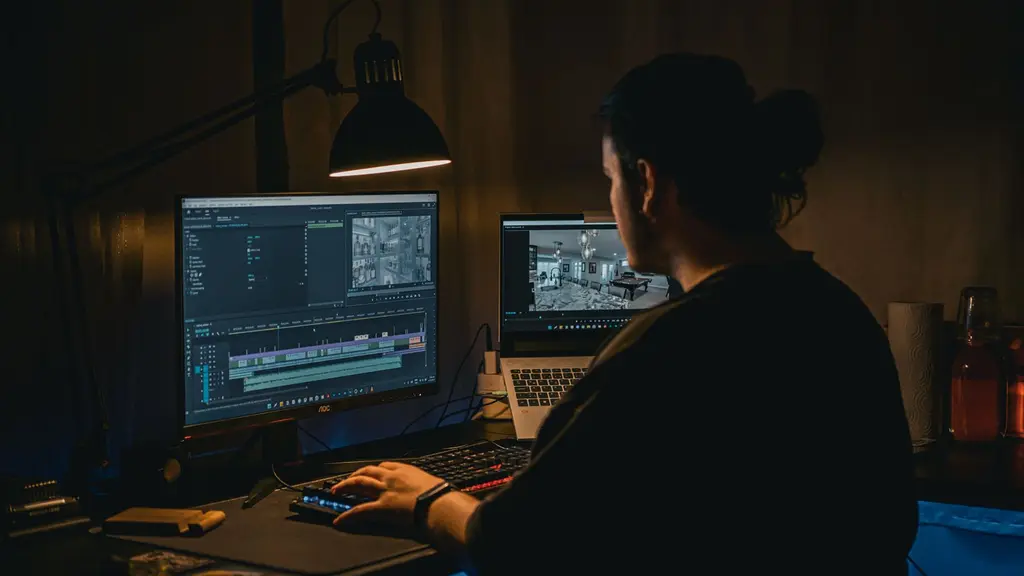
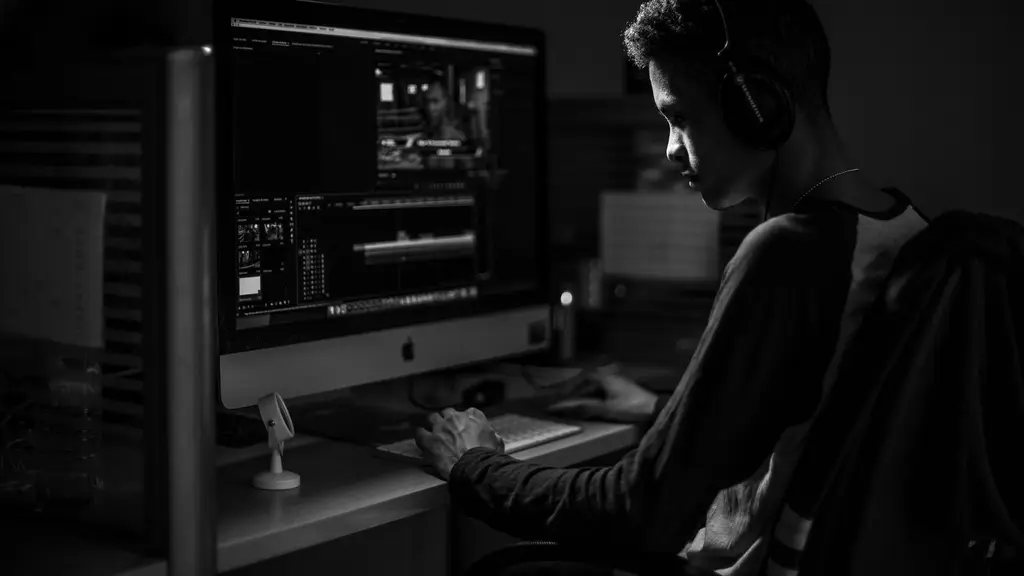
The render farm fan sounds like a jet engine about to tear the floorboards out of the edit bay. It is four in the morning, and the client wants the title sequence redone because the previous version looked like a PowerPoint presentation from 2004. You pull up a generic list of top-rated plugins, drop four hundred dollars on a sparkle generator you saw on a forum, and hit render. Ten minutes later, After Effects throws a memory error and crashes. The project file corrupts. The deadline is in six hours.
Independent filmmakers and motion designers working with lean post-production pipelines cannot afford to buy software by guessing. You need tools that justify every rupee of their licensing cost, or you need free alternatives that actually hold up against studio output. Purchasing expensive third-party tools before you have pushed native After Effects effects to their absolute limit is a fast way to burn through a micro-budget. Check your machine's GPU acceleration support before you buy anything, because nothing hurts worse than paying for a heavy simulation plugin only to discover your graphics card cannot handle the viewport playback.
Here is the gear that actually earns its keep on a working edit suite, ranked by what it does when the schedule falls apart.
Red Giant Trapcode Particular#
If you need to generate custom particle effects like rain, snow, smoke, or dust motes that actually react to a 3D camera instead of floating like flat confetti across the lens, this is the benchmark tool. Red Giant Trapcode Particular costs $399. That is steep for an independent creator working in Mumbai or Chennai, but it remains an industry standard for a reason. Native particle systems in After Effects will quickly bog down your timeline and offer a fraction of the control you need for complex environmental work.
You use a particle system—a computer graphics technique that uses a massive number of small sprites or 3D objects to simulate chaotic physical phenomena—to build atmosphere. Particular lets you link particles to lights, physics forces, and audio amplitudes. When you are trying to sell a dry studio shoot as a monsoon evening, dropping a emitter with proper air resistance and turbulence is what separates professional compositing from an obvious digital overlay. The trade-off is render time. If you do not dial down your particle count during the layout phase, your machine will grind to a halt.
Boris FX Sapphire#
Boris FX Sapphire costs $495 per year, which positions it firmly in the high-end post-production category alongside tools like Magic Bullet Colorista IV ($199), a color grading powerhouse used by professional colorists and compositors. Sapphire includes over 3,000 presets for transitions, lighting glows, and lens flares. More importantly, it houses the Academy Award-winning Mocha Pro tracking system directly inside the plugin suite.
The mistake most editors make with Sapphire is treating it like a digital toy box. They slap default glitch presets and flashy wipes between every cut without narrative justification, creating a distracting amateur aesthetic that screams cheap television. When you use Sapphire's planar tracker to pin a glowing holographic interface onto a moving actor's hand or stabilize a shaky handheld shot from a documentary B-roll run, the licensing fee starts to make financial sense.
Plexus 3#
Generative art in After Effects used to require writing custom scripting loops until Plexus 3 arrived at a price point of $249. This plugin breaks layers and 3D paths into smaller connected points, vertices, and lines. It is the engine behind those complex, data-driven geometric webs you see in tech commercials and title cards.
The software lets you import 3D models OBJ files and scatter points across their surface, linking them with dynamic lines that stretch and snap as the camera orbits. It creates a high-end look reminiscent of the motion graphics seen in major studio features, but it requires patience. The node relationships can get messy if you do not label your geometry groups properly. Keep your point counts reasonable, or your RAM preview will choke within seconds.
Orb#
Not every essential tool requires a corporate credit card. Video Copilot Orb is a free After Effects plugin designed specifically for creating detailed 3D planets with 360-degree environment rendering. If you think making a planet in After Effects is as simple as dropping a sphere effect onto a texture map, your final composite will look like a flat marble floating in grey space.
Orb handles realistic lighting falloff, bump maps, atmospheric haze, and cloud layers that cast actual shadows onto the planetary surface below. Because it includes native 360-degree environment mapping, you can wrap a starfield around your scene that responds correctly when your virtual camera pans across the horizon. It is easily one of the most powerful free resources available to motion designers, provided you take the time to run through the accompanying setup tutorials.
Shadow Studio#
Designing long shadows for typography and flat vector graphics can turn into a tedious cycle of duplicating layers, offsetting positions, and tweaking opacity masks by hand. Shadow Studio costs $18 and automates that entire headache into a single effect panel.
The plugin generates customizable directional shadows, radial shadows, and perspective blurs that react dynamically to shape layers and text. In commercial work where clients constantly demand trendy drop-shadow aesthetics on lower-thirds and product callouts, this tool saves hours of manual timeline tweaking. Do not overdo the blur radius, though. Soft shadows look organic, but muddy black gradients will immediately flatten out your composition's contrast.
Datamosh#
Datamosh creates surrealistic transitions, morphs, and digital artifacts by manipulating the compression frames of compressed video files. This technique removes the I-frames—the reference frames in a video codec that store complete image data—while leaving the P-frames and B-frames that only record pixel movement. The result is the signature bleeding and melting effect seen prominently in music videos like A$AP Mob’s "Yamborghini High," which pulled over 100 million views by leaning hard into digital glitch aesthetics.
You use this when a cut needs to feel disorienting, hallucinogenic, or corrupted by signal loss. Like any heavy stylization, it loses its impact if you use it on every second transition. Save it for the drop of a beat or a shift in narrative perspective where the visual reality of the scene is explicitly breaking down.
GEOlayers#
Building custom maps for travel montages, documentary segments, or historical reenactments used to involve wrestling with vector artwork in Illustrator and projecting it awkwardly in 3D space. GEOlayers costs $279 and connects directly to online geographic databases to render custom flood maps, topographic reliefs, and animated 3D landscapes right inside your timeline.
You can select a path between two cities, and the plugin will extrude a route line across real terrain data while automatically updating satellite imagery as your camera zooms from a continental view down to street level. If your documentary project involves tracking historical movements across borders, this plugin pays for itself on the first edit schedule by eliminating days of manual map tracing.
iExpressions#
Writing native expressions—the snippets of JavaScript code used in After Effects to link properties, automate movement, and create math-driven animations without setting manual keyframes—can intimidate anyone who did not study computer science. IExpressions costs $100 and packages over 100 pre-built expression rigs into an interface where you adjust sliders instead of debugging code syntax.
Whether you need a layer to bounce with elastic inertia, loop infinitely without edge pops, or react smoothly to audio waveforms, the plugin writes the underlying code for you. You can still modify the parameters and keyframe the outputs, making it an incredible learning bridge for editors who want the power of programmatic animation without spending hours troubleshooting syntax errors in the expression editor.
PQ FUI Toys 2#
Fictional User Interfaces—the complex sci-fi screens, tactical HUDs, and data visualization graphics seen in control rooms and spaceship cockpits—take an immense amount of time to design from scratch. PQ FUI Toys 2 costs $50 and provides a massive library of pre-animated, modular motion graphics elements built specifically for interface design.
All the elements are fully vector-based and editable inside After Effects. You can search the library, drop a sci-fi dial or a radar sweep onto your timeline, and customize the colors to match your scene's palette. It is a massive time-saver when you are dressing a set with playback monitors and need twenty unique graphic loops running in the background before lunch.
Magic Bullet Colorista IV#
Color grading inside a motion graphics compositing software can get messy if you are relying on basic adjustment layers. Magic Bullet Colorista IV costs $199 and brings a professional color grading suite directly into After Effects. It features an intuitive three-way color corrector, dedicated hue and saturation controls, and precision tone curves.
Professional colorists often use it when a composite shot needs its blacks, highlights, and skin tones unified before it hits the final export queue. The guided color correction workflow helps you establish a primary balance quickly, while the secondary color wheels let you isolate specific hues in your motion graphics compositions without building complex manual keying masks.
Nodes 3#
When you need high-end 3D data visualization, particle universes, and geometric wireframes operating in the same synchronized space, Nodes 3 by Yanobox ($299) is the industry workhorse. Major Hollywood studio features including The Avengers, Planet of the Apes, and Ender’s Game utilized Yanobox Nodes for complex 3D HUDs and data visualization graphics that required massive particle counts linked to structured grids.
The plugin comes with over 300 presets that allow you to construct intricate, rotating data spheres and interconnected node webs that respond dynamically to camera movements. It bridges the gap between abstract particle simulations and structured graphic design, giving your compositions a sophisticated sci-fi polish.
Stardust#
Superluminal's Stardust costs $249 and utilizes a node-based workflow to revolutionize how particle systems are constructed and manipulated in After Effects. Traditional particle plugins force you down a linear list of parameters, but Stardust lets you wire emitters, forces, replicators, and 3D models together visually.
You can emit 3D models from text paths, have particles bounce off live footage layers, and control complex physics simulations with node connections that resemble a compositing application. For motion designers who find themselves constrained by older layer-based particle tools, the node-based flexibility of Stardust opens up entirely new design workflows.
Duik#
Character rigging in After Effects has a notorious learning curve. Setting up inverse kinematics—the skeletal math where moving a hand drags the arm and shoulder naturally—used to require building complex expression hierarchies by hand. Duik is a free character rigging and animation tool developed by Rainbox that has become an essential baseline standard for 2D animators.
You use Duik to rig characters, automate walk cycles, and handle complex bone structures with a few clicks. Because it is completely free and open-source, it has democratized 2D puppet animation across independent studios globally. If you are animating characters for an explainer video or an indie animated short, learning Duik is non-negotiable.
Lockdown#
Tracking flat surfaces in motion graphics is simple, but tracking deformable surfaces like skin, fabric, and clothing has historically been a nightmare because the surface stretches, bends, and wrinkles over time. Lockdown by aescripts + aeplugins costs $249 and solves this exact problem.
You place a mesh tracker across a moving shirt or a rippling flag, and Lockdown tracks the surface deformation frame by frame. You can then paint logos, tattoos, or textures onto the flat mesh, and the plugin warps the artwork so it sticks naturally to the folds of the fabric as the actor moves. It is an extraordinary piece of engineering that turns impossible VFX tracking shots into manageable timeline tasks.
Scriptory Resource
Tag your script instead of retyping it
Scriptory pulls props, cast and locations straight off the page.
Lenscare#
Simulating a realistic camera blur in post-production often looks artificial because standard After Effects fast blurs do not calculate depth maps properly, resulting in ugly edge bleeding around focused objects. Lenscare from Frischluft costs $199 and calculates natural depth of field blurs using Z-depth data passes.
If you have a composite shot that feels flat because the CG elements do not match the shallow depth of field of the live-action plate, Lenscare reads your depth map and applies optical bokeh that matches physical camera lenses. It creates natural edge transitions and realistic highlights that sell the illusion that your digital elements were filmed right there on set.
Save your budget for the tools that solve specific bottlenecks on your project. Master your native effects first, test your hardware limits before buying heavy particle suites, and always keep your render queue moving.
Frequently Asked Questions
Quick answers to what people ask about this topic.
Are there good free alternatives to paid After Effects plugins?
Yes, several powerful plugins for After Effects are entirely free. Tools like Video Copilot Orb for 3D planet generation and Duik for advanced character rigging offer professional-grade features without any financial investment. Additionally, native After Effects effects can often handle basic tasks that expensive third-party tools solve more automatically.
How do third-party plugins affect After Effects render times?
Third-party plugins can significantly impact render times depending on how heavily they rely on GPU acceleration and complex mathematical calculations. Heavy particle simulations, deep 3D rendering environments like Nodes 3, and intricate surface tracking plugins like Lockdown require robust hardware configurations, specifically powerful graphics cards and sufficient RAM, to maintain smooth playback.
What is the best After Effects plugin for creating particle effects?
Red Giant Trapcode Particular is widely considered the gold standard for creating custom particle effects in After Effects. Priced at $399, it allows artists to build intricate 3D particle systems for weather elements, explosions, and abstract motion graphics. Superluminal Stardust is another top-tier, node-based alternative favoured for particle generation.
Can I use After Effects plugins in Adobe Premiere Pro?
Some plugins are compatible across the entire Adobe Creative Cloud suite, including Premiere Pro, while others are strictly built for After Effects. For instance, Boris FX Sapphire and Yanobox Nodes support multiple host applications, whereas specialized tools like Lockdown or Duik function exclusively within the After Effects timeline.
Filed Under
Format your script for free
Stop fighting Word margins. Scriptory formats your screenplay to industry standard as you type, then turns it into a breakdown, a schedule and a call sheet.
Open Scriptory Now